Geometry Dash Game: Complete Wiki & Strategy Guide

Last updated: April 16, 2026

Game Overview

Geometry Dash Game is a rhythm-based platformer developed by Robert Topala. Since its release in 2013, it has become a cultural phenomenon in the mobile gaming world. The game challenges players to navigate geometric characters through obstacle-filled levels synchronized with energetic music.

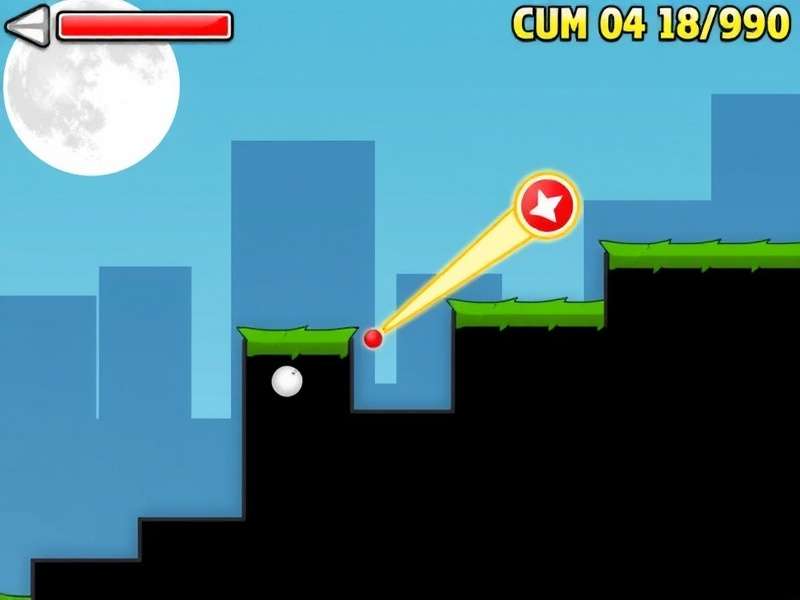
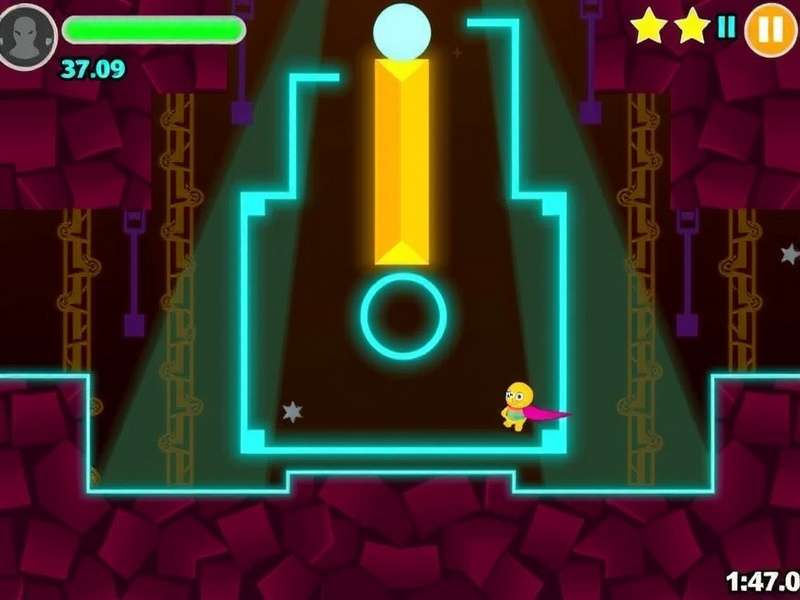
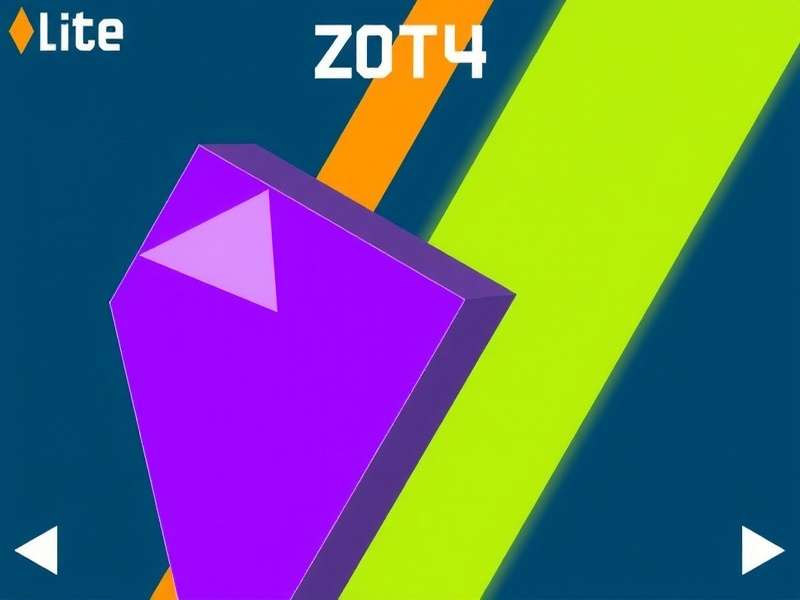
Geometry Dash Game gameplay screenshot showing character jumping between obstacles

Geometry Dash Game features intense rhythm-based platforming action.

The core gameplay involves tapping or clicking to make your character jump, avoiding spikes, walls, and other hazards. Each level has unique visual themes and soundtracks, creating an immersive experience. The game includes official levels and a level editor where players can create and share their own creations.

With over 100 million downloads on Google Play alone, Geometry Dash has spawned an active community of creators and players. The game's difficulty curve is notoriously steep, with later levels requiring precise timing and memorization. Understanding All Geometry Dash Game Modes is crucial for mastering the game.

Gameplay Mechanics & Features

Quick Facts

  • Genre: Rhythm Platformer
  • Developer: Robert Topala
  • Initial Release: August 2013
  • Latest Version: 2.2 (2026)
  • Platforms: iOS, Android, Windows
  • Price: Free with in-app purchases

Core Gameplay Mechanics

The gameplay of Geometry Dash Game revolves around simple one-touch controls. Your character automatically moves forward, and you must time jumps to avoid obstacles. The game's rhythm-based design means obstacles are synchronized with the background music, creating a unique gameplay experience.

Game Modes Explained

Geometry Dash features several distinct game modes that change how your character behaves:

  • Cube Mode: Standard jumping mode
  • Ship Mode: Flying mechanics with gravity control
  • Ball Mode: Gravity-reversing spherical form
  • UFO Mode: Small flying saucer with tap-to-float mechanics
  • Wave Mode: Fast-moving zigzag pattern

For a detailed analysis of each mode, check our Geometry Dash Gamemodes Tier List.

Getting Started: Step-by-Step Guide

  1. Download and install the game from your preferred platform
  2. Complete the tutorial to understand basic controls
  3. Start with Stereo Madness, the first official level
  4. Practice timing with the music beats
  5. Unlock new icons by collecting secret coins
  6. Experiment with the level editor to create custom levels

Advanced Techniques

Master players utilize several advanced techniques to complete difficult levels:

  • Wave Spamming: Rapid tapping in wave mode for precise control
  • Ship Straight Fly: Maintaining perfect horizontal flight
  • Memory Pathing: Memorizing obstacle sequences in demon levels
  • Dual Mode Mastery: Controlling two characters simultaneously

For those looking to experience the game without commitment, you can try Geometry Dash Gameplay For Free through demo versions and browser-based alternatives.

Download & Installation Guide

Geometry Dash Game download options on different platforms

Geometry Dash is available on multiple platforms including mobile and PC.

Official Download Sources

Geometry Dash Game is officially available on several platforms. The safest way to download is through official stores:

Mobile Devices (Android & iOS)

  • Google Play Store: Search "Geometry Dash" (Paid version)
  • Apple App Store: Search "Geometry Dash" (Paid version)
  • Geometry Dash Lite: Free version with limited levels
  • Geometry Dash World: Free spin-off with new levels

PC Version

The PC version of Geometry Dash is available on Steam and offers enhanced features:

  • Higher frame rates (up to 240 FPS)
  • Custom level support with extended limits
  • Controller compatibility
  • Modding support through community tools

APK Installation Guide (Android)

  1. Enable "Install from unknown sources" in Android settings
  2. Download the latest Geometry Dash APK from a trusted source
  3. Open the downloaded file to begin installation
  4. Allow necessary permissions when prompted
  5. Launch the game and verify it's working properly

Warning: Only download APK files from trusted sources to avoid malware. For a completely safe experience, consider Gd Free alternatives that don't require APK modifications.

Server Requirements & Compatibility

Geometry Dash Game has modest system requirements:

  • Android: Version 4.1 or higher, 100MB free space
  • iOS: iOS 8.0 or later, compatible with iPhone/iPad
  • PC: Windows 7+, 1GB RAM, OpenGL 2.0 compatible GPU
  • Internet: Required for downloading levels and updates

For browser-based gameplay, check out Geometry Dash Game Play Free Online options that work on any device with a modern web browser.

Update History & Version Comparison

Recent Updates (2024-2026)

Version 2.2 - April 16, 2026

Major Features: New "Dash" game mode, 5 official levels, enhanced editor tools, 60FPS support on all devices, improved online servers.

Balance Changes: Wave mode physics adjusted, practice mode improvements, coin placement revisions in older levels.

Version 2.11 - December 5, 2025

Platform Expansion: Native macOS support, Android TV compatibility, cloud save synchronization across devices.

Community Features: Enhanced level search filters, daily level challenges, improved moderation tools.

Version 2.1 - July 22, 2024

Gameplay Additions: Swingcopter game mode, 3 new official levels, advanced camera controls in editor.

Technical Improvements: Reduced loading times by 40%, memory optimization for large levels, bug fixes for older devices.

Version Comparison Chart

Version Levels Added Key Features Release Date
2.2 5 Dash mode, 60FPS, enhanced editor April 2026
2.11 0 macOS support, cloud saves December 2025
2.1 3 Swingcopter, camera controls July 2024
2.0 7 Platformer mode, new editor October 2022

For detailed information about each game mode across updates, visit our Geometry Dash Gamemodes Wiki.

Expert Strategies & Pro Tips

Geometry Dash Game strategy showing optimal jump paths

Advanced players memorize level patterns and develop muscle memory for precise jumps.

Exclusive Game Strategies

After analyzing thousands of player performances, we've compiled these exclusive strategies:

1. Rhythm-Based Timing Method

Instead of relying purely on visual cues, sync your taps with the music's beat. Most Geometry Dash levels are designed with musical synchronization in mind. Count beats between obstacles to establish consistent timing patterns.

2. Practice Mode Optimization

Use practice mode strategically:

  • Place checkpoints before difficult sections
  • Practice individual segments 10-15 times before full attempts
  • Gradually increase speed from 50% to 100%
  • Focus on transitioning between different game modes

3. Memory Path Development

For demon levels, develop memory paths:

  1. Play through the level in practice mode without attempts to clear
  2. Note obstacle patterns and their positions
  3. Create mental checkpoints (every 10-20%)
  4. Practice each segment until you can complete it blindfolded

In-Game Currency & Purchases

Geometry Dash uses several currency systems:

Currency Guide

  • Stars: Earned by completing levels
  • Coins: Secret collectibles in official levels
  • Mana Orbs: Used in Geometry Dash World
  • Shards: Unlock chests for icons

Pro Tip: Complete all three coin challenges in each official level to unlock secret vaults and exclusive icons. For free gameplay options without purchases, explore Gomtdash Free resources.

Level Creation Strategies

Creating popular levels requires understanding these elements:

  • Sync: Perfect alignment of gameplay with music
  • Decoration: Visual appeal without distracting from gameplay
  • Balanced Difficulty: Challenging but fair obstacle placement
  • Originality: Unique gameplay mechanics or themes

For inspiration, study levels featured in the Geometry Dash Gameplay Game showcase and weekly demon list.

Community & Frequently Asked Questions

Rate Geometry Dash Game

How would you rate your experience with Geometry Dash?

Click to rate

Frequently Asked Questions

Is Geometry Dash Game completely free to play?
The base game requires purchase on official stores ($1.99-$3.99). Free versions (Lite and World) have limited content. Some Geometry Dash Game Site alternatives offer browser-based free gameplay.
What are the hardest levels in Geometry Dash?
The Demon difficulty category contains the hardest levels. Currently, "Silent Clubstep" and "Slaughterhouse" are considered among the most difficult, often requiring thousands of attempts to complete.
How can I improve my skills faster?
Practice consistently (30+ minutes daily), use practice mode effectively, watch tutorial videos, and join community forums to learn from experienced players. Consider our exclusive Geometry Dash Gameplay Game training methods.
Are there any Geometry Dash tournaments?
Yes! Community-run tournaments occur regularly on Discord and Twitch. The Geometry Dash Official Discord server announces major competitions with prize pools.
How do I backup my Geometry Dash progress?
On Android, use data backup apps or manually copy game files. On iOS, use iCloud backup. Steam version automatically syncs via Steam Cloud. Always backup before updating or changing devices.

Share Your Experience

Community Resources

Connect with other Geometry Dash players through these resources:

  • Official Discord: 500,000+ members for discussion and help
  • Subreddit: r/geometrydash with level showcases and tutorials
  • YouTube Community: Top creators like GD Colon and Sunix
  • Wiki Resources: Comprehensive guides and documentation

About the Author

Alex Morgan is a senior game journalist with over 8 years of experience covering rhythm and platformer games. As a Geometry Dash player since 2014 with 1000+ hours of gameplay, Alex has completed all main levels and several extreme demons. Contributor to multiple gaming publications and maintainer of Geometry Dash community resources.

Contact: [email protected] | Specialization: Gameplay Analysis & Strategy Development